
NOTE – The Tag Admin Console is a System Administrator function for the system platform and can only be used by someone with Administrator access.
The System Tag Admin Console is used to create all tags and markers in the system. Tags can be added to any DIRX2 environment as needed.
The System Tag Admin Console can be reached by the link Console.<yoursystem>.com/tag-manager, with the URL for your system environment replacing <yoursystem>.
In order to access the Tag Admin Console you will need the Console password and click Login
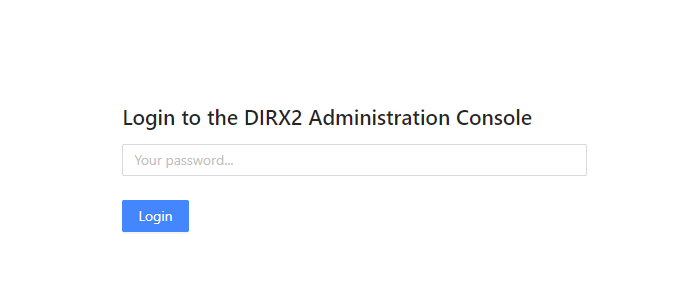
Admin Panel
From the Admin Overview Panel, you can access the different functions within the tool from the NavBar on the left.
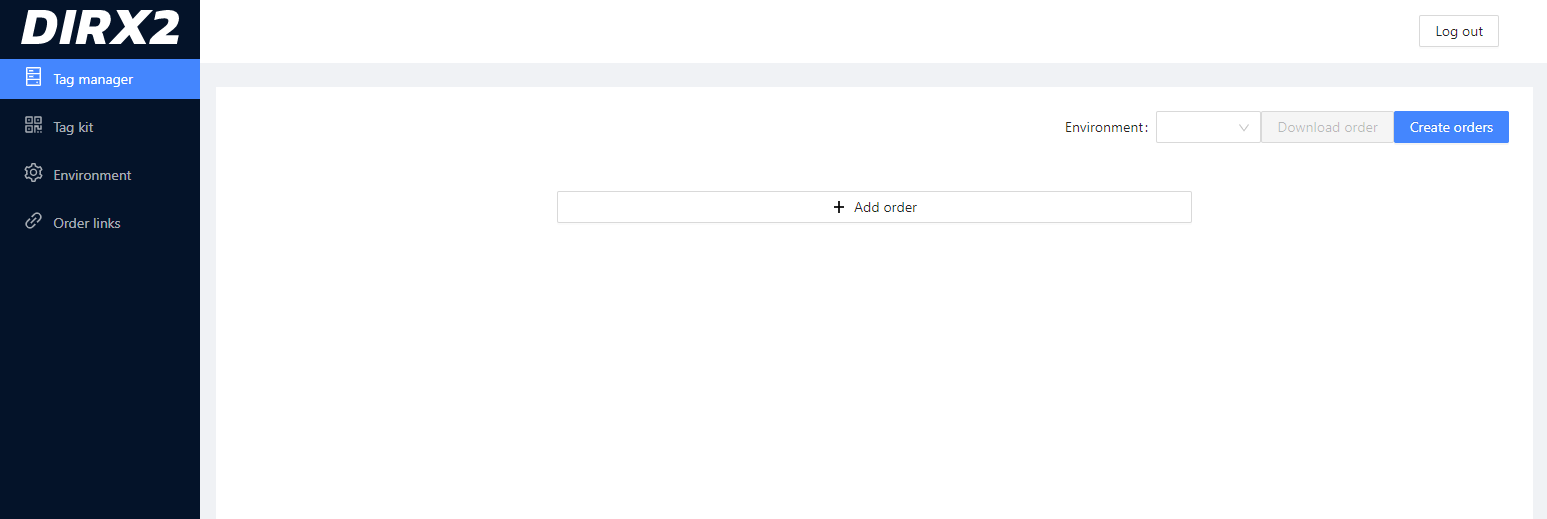
Tag Manager
The Tag Manager is the primary function in the Admin Console where you create new tags within the system.
Tag Kit
Tag Kit
Environment
Environment is where you define the technical environment for the different systems in your system environment. This could be different environments like Development or Production, or different systems in a larger network. Before creating tags, you will choose which environment they will be added to.
Order Links
Order Links offers a list of all of the Tag creation orders that have been executed along with date and time stamp.
